NM.01 · Notion template
Brain Dump + Capture System
put it somewhere safe.
A capture-first workspace for ideas, reminders, worries, half-sentences, creative sparks and the admin fog that appears out of nowhere.
Inside the template
The thought lands before it has to behave.
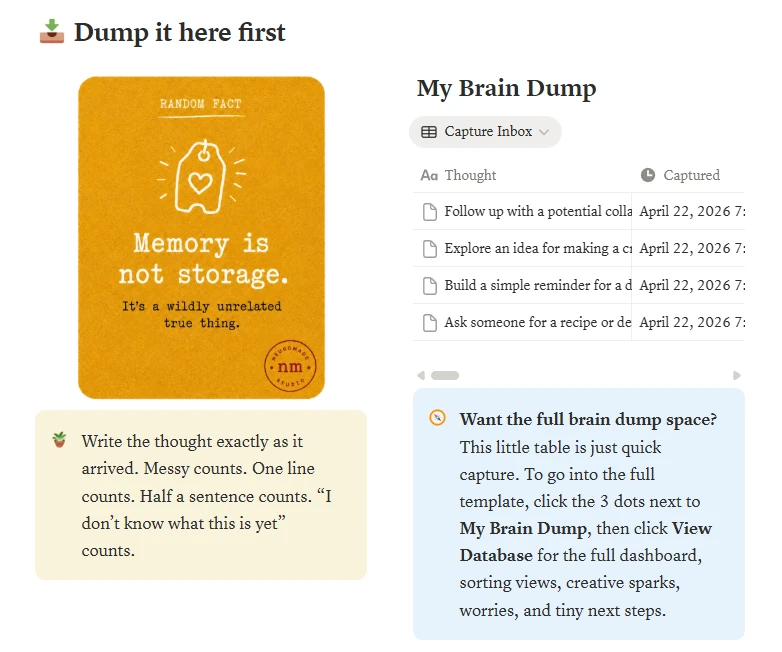
Open the page, drop the thought, add one obvious label if there is one, then leave it there until sorting is useful.
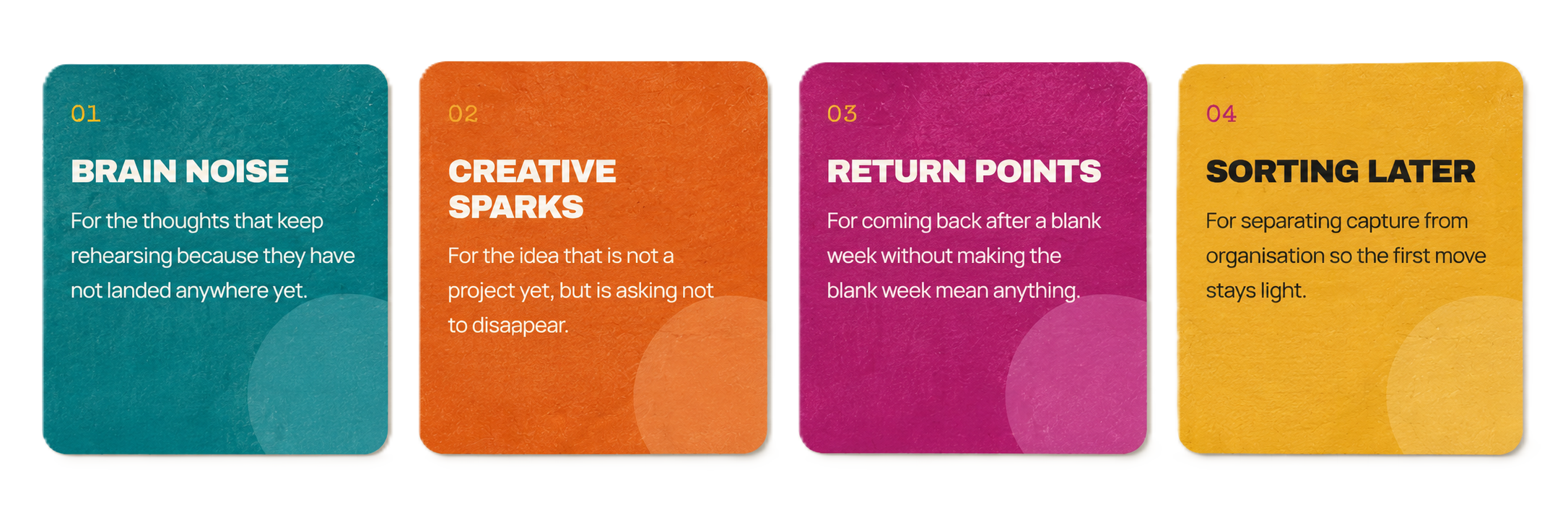
- Quick capture inbox for half-formed thoughts, reminders, worries, notes and sparks.
- Brain dump database with views for tasks, ideas, worries, reminders, creative sparks and recent captures.
- Choose-one-door flow for sorting, worry parking, spark saving or weekly reset.
- Tiny reset menu for returning to the page without rebuilding the whole system.
- Optional guide with plain-language notes about why capture works.
Made for the real middle of things
For the brain with seventeen tabs open.
Why it works
External first. Meaning later.
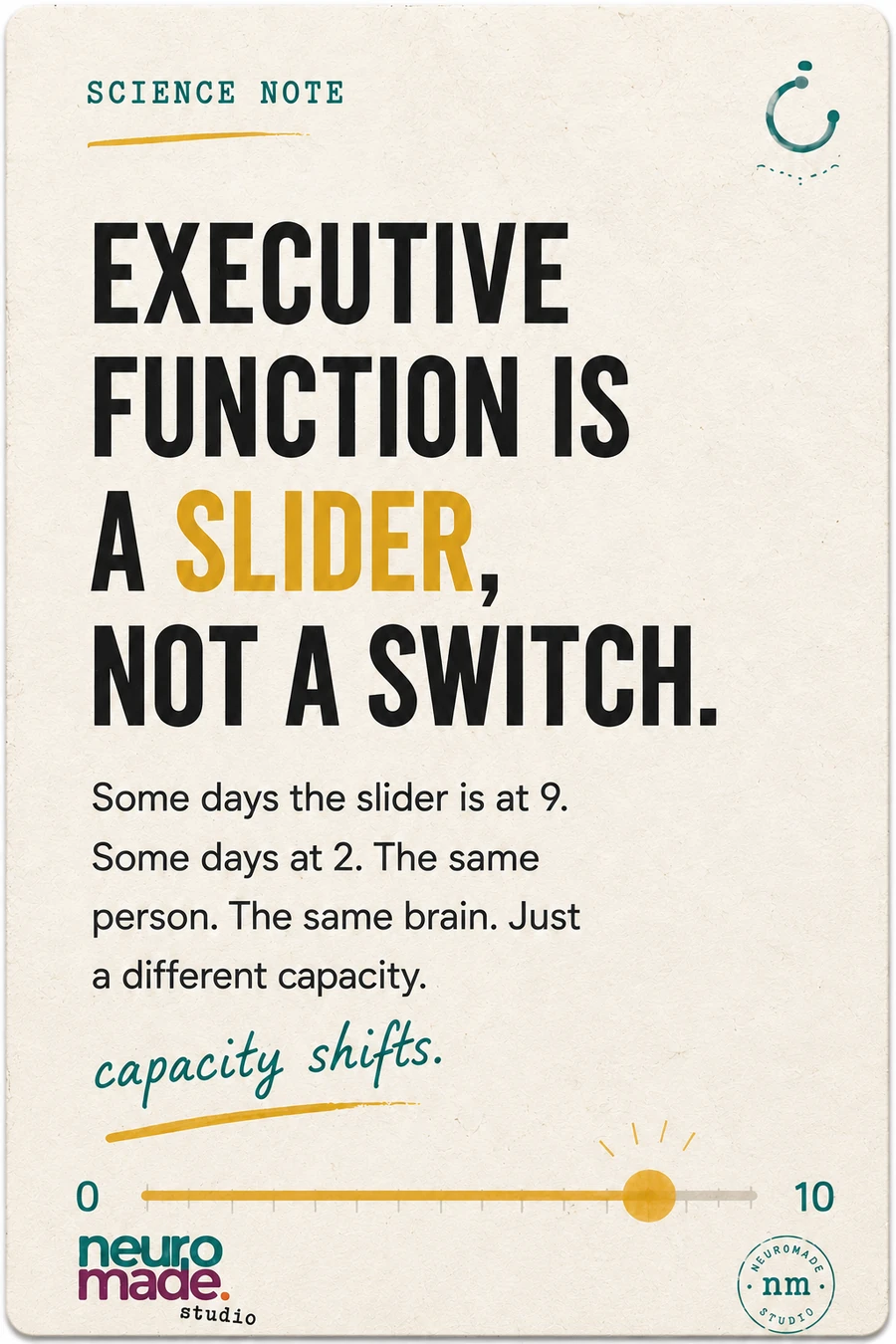
When a thought has somewhere to land, the brain does not have to keep rehearsing it. The mechanism is simple: the page becomes the hook.
the page just stays open.
Side Note Card
Small odd notes. Useful on purpose.
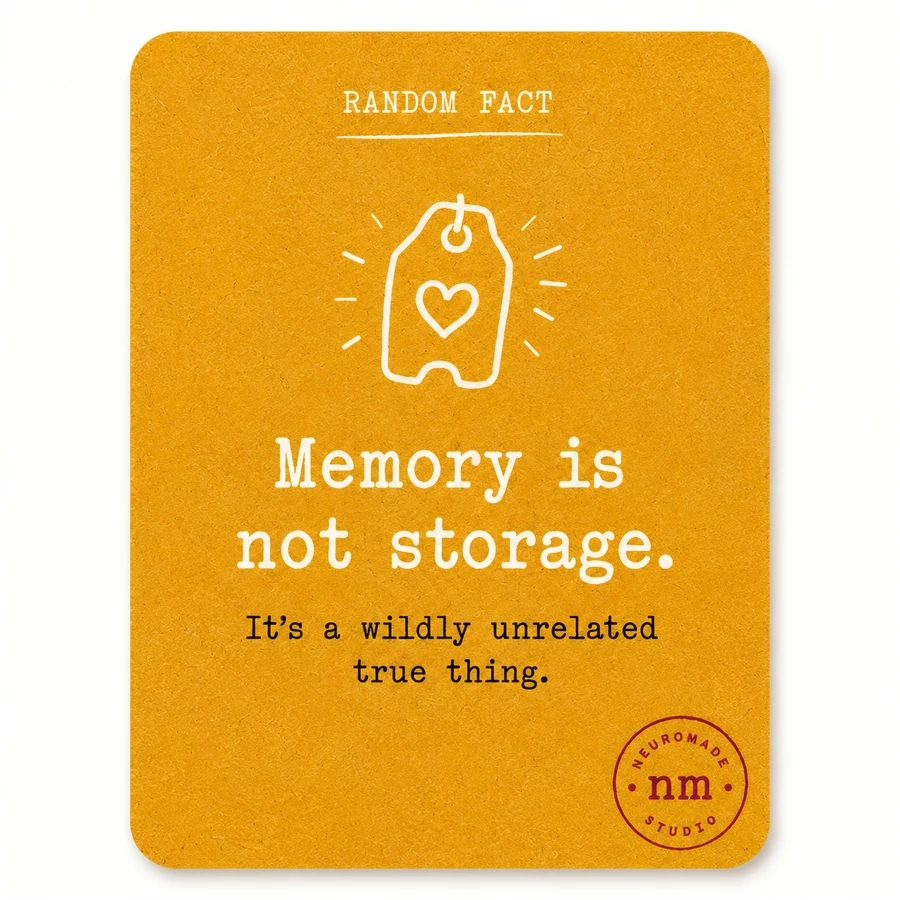
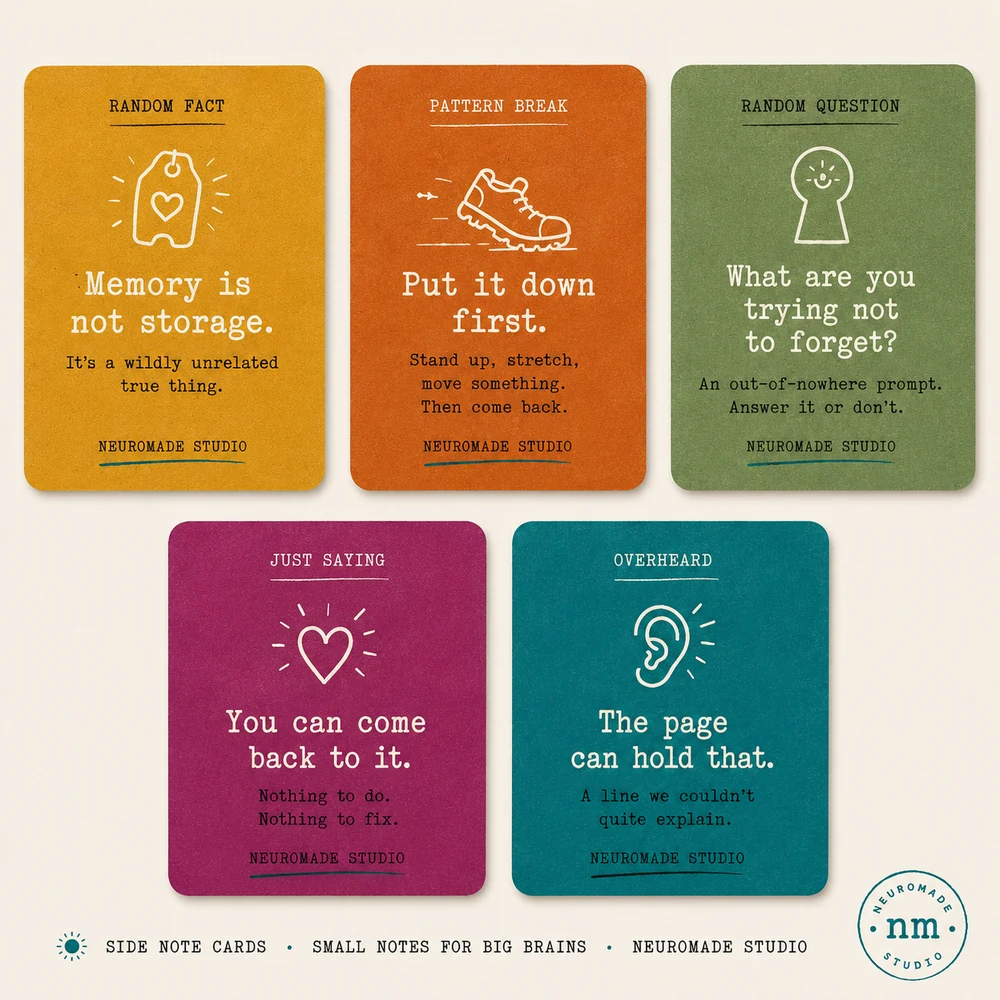
Little coloured cards appear through the system as interrupts, odd facts, quiet lines and tiny questions. Some will land. Some will not. Both are correct.
Template preview
Built inside Notion. Shown as it is.
These screenshots are from the current template version. The system can travel across desktop, phone and the parts of the day where the thought actually appears.
How to use it
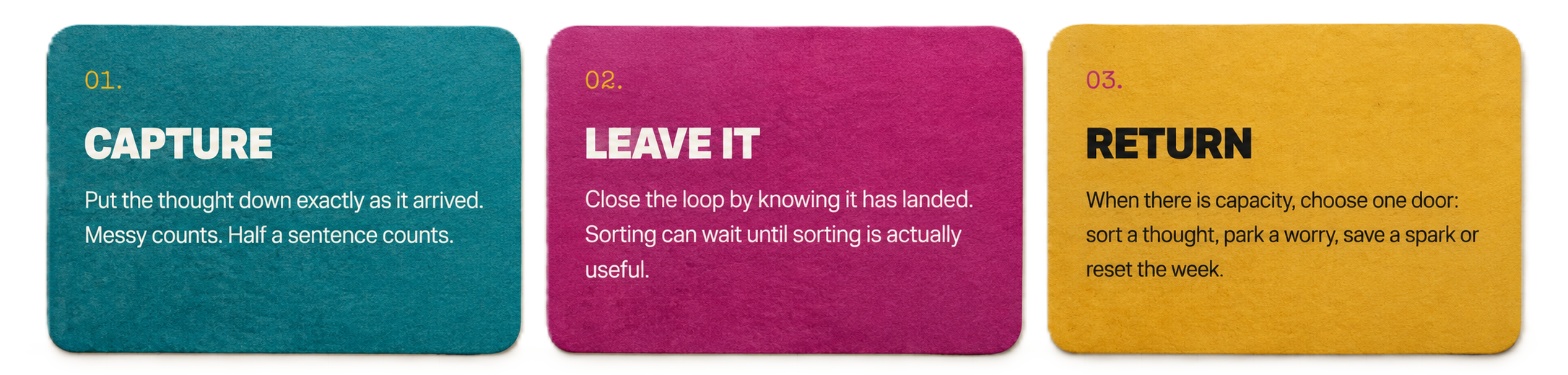
A three-move system.
FAQ
Plain answers.
Is this a Notion template?
Yes. It is a Notion template you can preview, duplicate and adapt inside your own workspace.
Do I have to use every section?
No. Use the parts that earn their place. Nothing here grades. The page just stays open.
What does it include?
A capture inbox, brain dump database, sorting views, worry parking, creative spark capture, weekly reset flow, tiny reset menu and optional guide notes.
Is this only for work?
No. It can hold work thoughts, life admin, creative ideas, reminders, worries, notes and anything that keeps looping because it has nowhere to land.